Multi Timer & Countdown
Run multiple timers at once
Countdowns and stopwatches running side by side, each with its own name and alarm. Perfect for cooking, workouts, and anything that needs more than one clock.
● Coming soon to the App Store
Run multiple timers at once
Countdowns and stopwatches running side by side, each with its own name and alarm. Perfect for cooking, workouts, and anything that needs more than one clock.
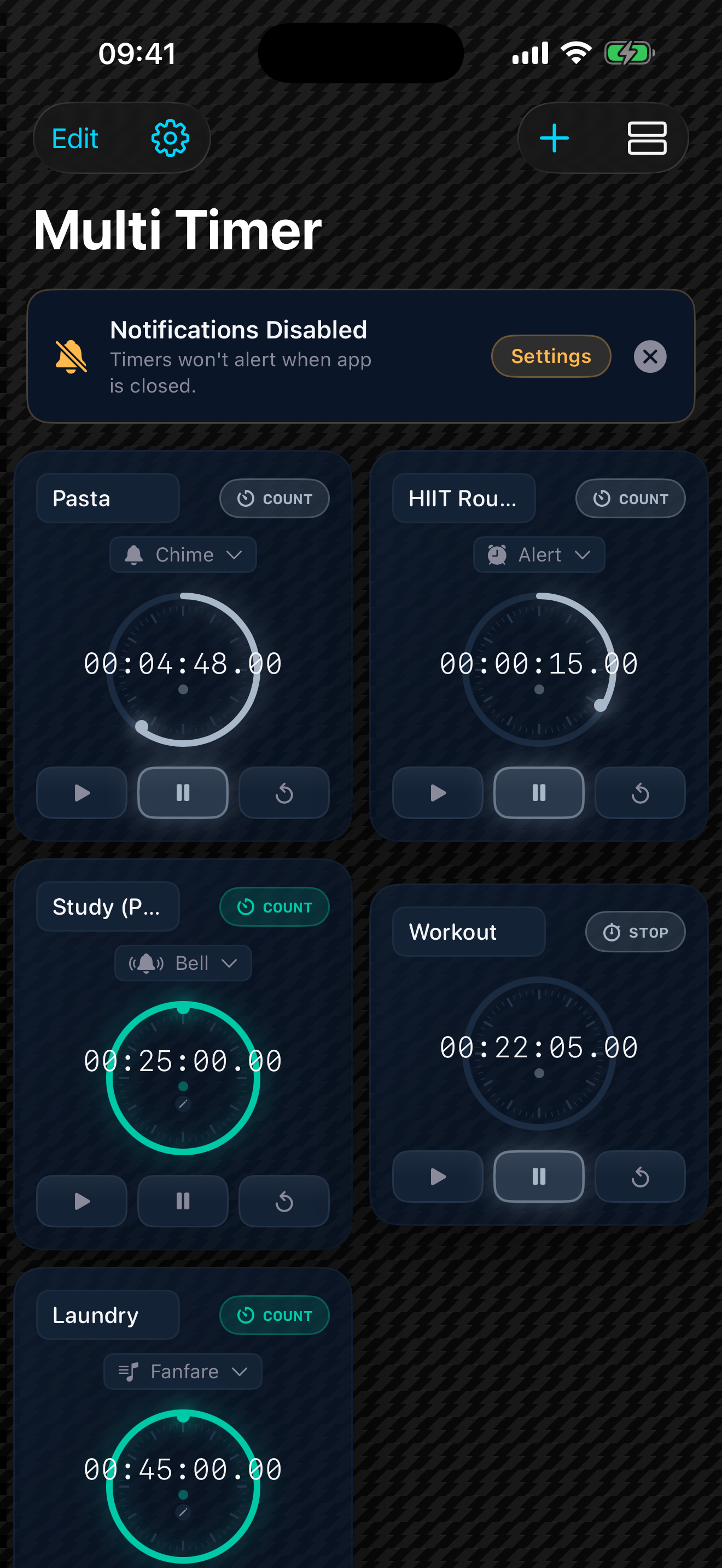
Run as many timers as you need, all at the same time. Each one is independent — start one, pause another, reset a third. They never get in each other's way.
Every timer can count down from a set duration or count up as a stopwatch. Switch a timer between modes whenever you like.
Chime, Bell, Alert, Fanfare, Swoosh, Digital, or Classic. Give each timer its own sound so you know which one finished just by listening — backed up with haptic feedback.
"Pasta", "Rest", "Check oven" — label each timer so a screen full of clocks always makes sense at a glance.
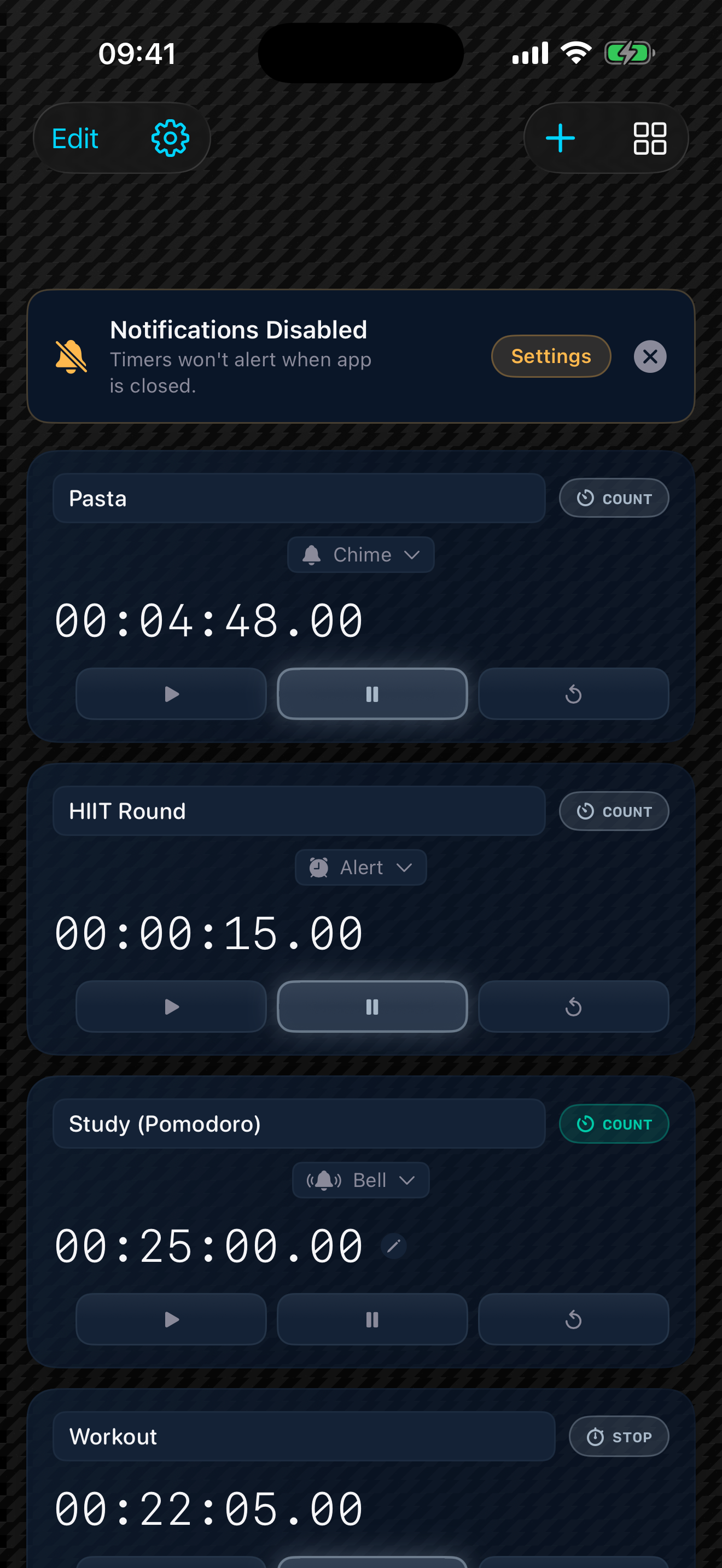
A clean list on iPhone, a roomy grid on iPad, or a dense 2×4 compact grid when you're running a lot. Large, readable numbers down to hundredths of a second.
No account, no internet, no tracking. Your timers are saved on your device and stay there. Open the app and pick up exactly where you left off.
Your data stays yours. Multi Timer collects nothing and tracks nothing. There's no account and no network connection — your timers never leave your device.
A countdown needs a duration first. Tap the timer's dial (or its time readout) to set hours, minutes, and seconds, then tap Start. Tapping Start on a brand-new countdown opens the duration picker for you.
Countdowns are scheduled to alert you on time even if the app is in the background or your phone is locked — you'll get a notification when one completes. For that to work, allow notifications when the app asks (or enable them later in Settings › Multi Timer).
Check that your phone isn't on silent and that notifications are allowed for Multi Timer in Settings › Multi Timer. Each countdown's sound can be changed from the alarm button on the timer card.
As many as you want. Add timers with the + button. Switch to the compact 2×4 grid when you're running a lot and want them all on one screen.
Yes. Your timers, names, and settings are saved on your device automatically and restored when you reopen the app. If you back your iPhone up to iCloud or a computer, that data is included in the encrypted backup.
Yes to both. The layout adapts to iPad with larger type, and the whole app supports VoiceOver and Dynamic Type for accessible, hands-on or hands-free use.
Questions, problems, or ideas for Multi Timer? Get in touch and a human will reply.
Email support Privacy policy